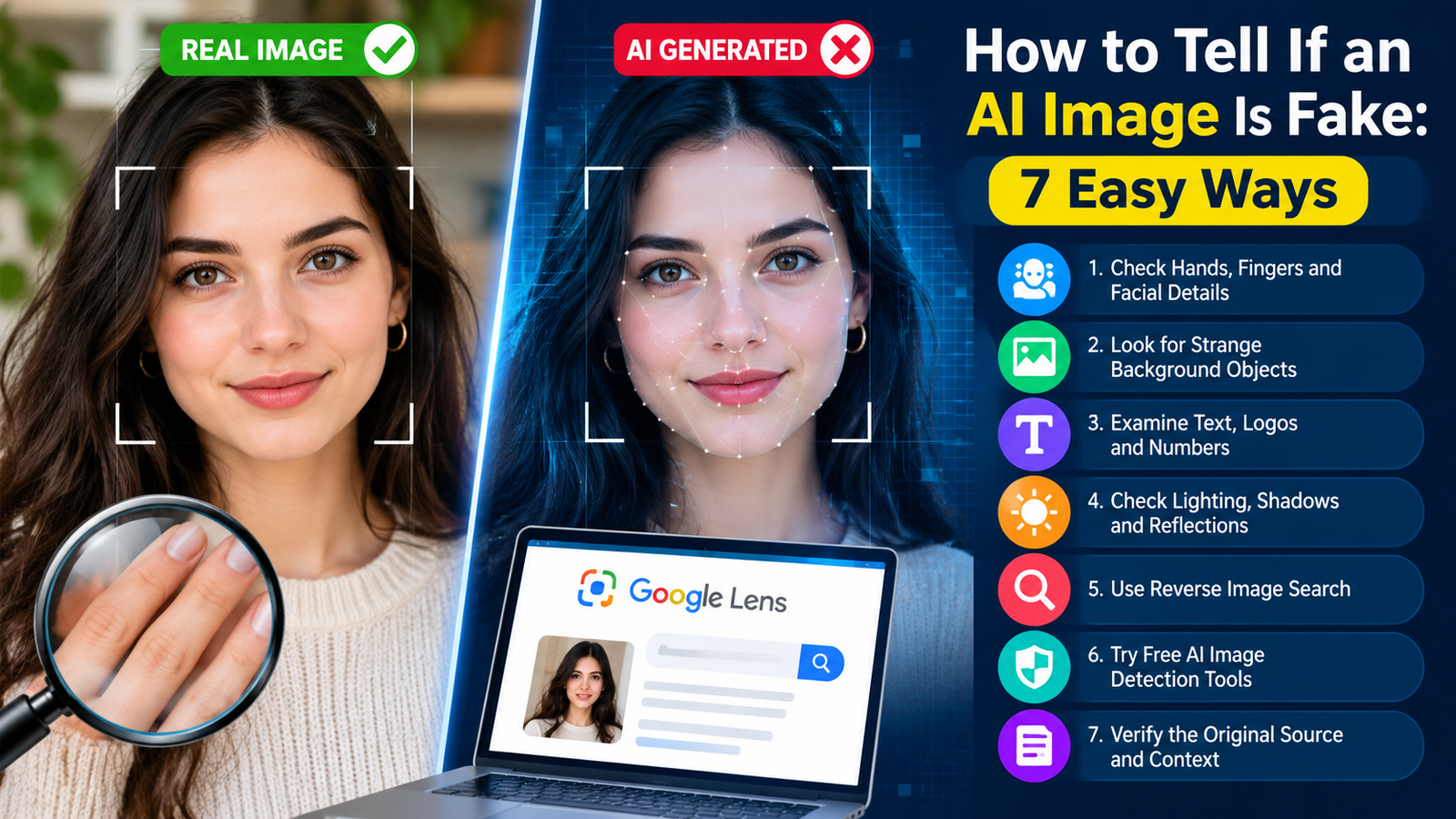
AI-generated images are now used in social media posts, advertisements, online news, websites, and digital marketing. Unfortunately, some people also use them to spread misinformation, create fake evidence, or deceive others online.
The good news is that you don’t need to be a technology expert to spot many suspicious images. By examining small details, checking the source, and using a few free online tools, you can make a more informed judgment about whether an image might have been created or edited using artificial intelligence.
In this guide, we will explore seven practical ways to identify potentially fake AI images and explain how to verify what you see online.
1. Check Hands, Fingers, and Facial Details
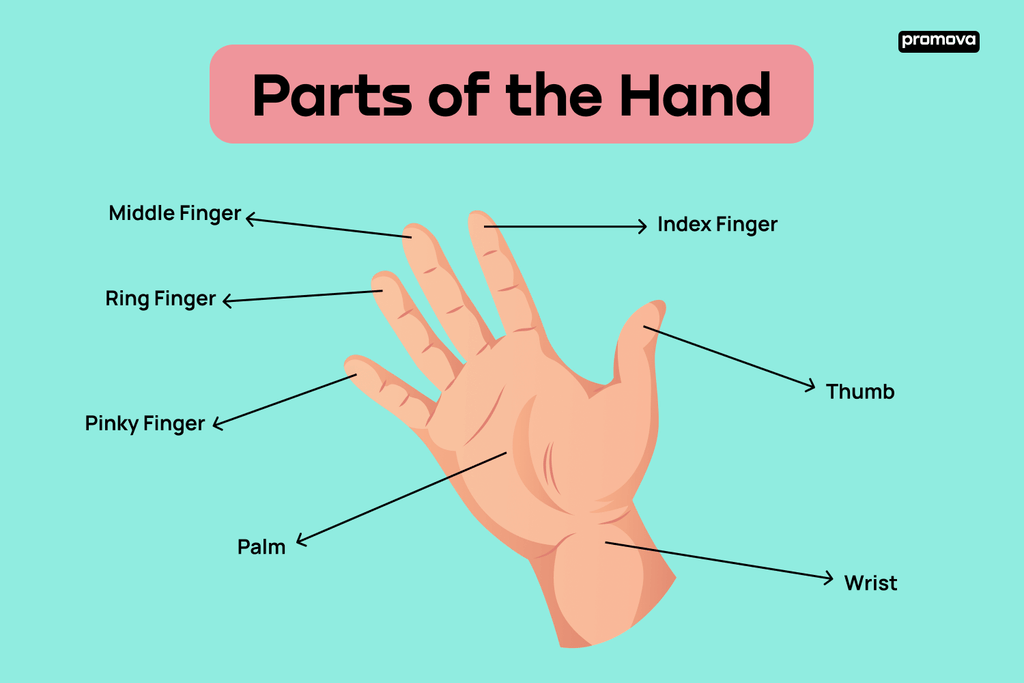
One of the first things to examine in a suspicious image is the human body, particularly hands, fingers, eyes, teeth, and ears.
Although modern AI image generators have improved significantly, they can still produce small anatomical inconsistencies. A person might have fingers that appear unusually long, overlapping fingers, distorted fingernails, or hands that do not match the position of the arms.
Faces can also contain subtle irregularities. For example, the teeth might appear unnaturally uniform, earrings may look different on each side, or glasses might have uneven frames.
However, these signs are not definitive proof of AI generation. Real photographs can also contain distortions caused by motion blur, poor lighting, camera angles, or image compression.
What to do: Zoom in on the hands, eyes, ears, and other detailed areas. Look for several unusual inconsistencies rather than relying on a single strange feature.
2. Look for Strange Background Objects
AI-generated images may look convincing at first glance, but their backgrounds sometimes reveal problems.
Examine buildings, furniture, street signs, windows, trees, and objects behind the main subject. You may notice structures that do not make sense, objects that appear to merge together, or repeated patterns that look unnatural.
For example, a busy street scene might contain vehicles with confusing shapes, shop signs with unreadable text, or pedestrians whose bodies appear to blend into nearby objects.
Reflections can also be worth checking. A mirror might show a slightly different scene, or a shiny surface may reflect an object that does not appear to exist in the surrounding environment.
What to do: Examine both the center and the edges of the image. Background inconsistencies can be useful clues, especially when several appear together.
3. Examine Text, Logos, and Numbers
Text is another useful area to inspect when evaluating a potentially AI-generated image.
Some image generators can produce convincing lettering, but others may create misspelled words, unusual characters, inconsistent numbers, or logos that look similar to real brands without matching them exactly.
These problems may appear on shop signs, product packaging, clothing, documents, vehicle number plates, and advertisements.
For example, a picture of a smartphone advertisement might display a distorted company logo or a product name with incorrect lettering. A restaurant image might contain a menu with words that are difficult to read.
Keep in mind that text can also become distorted when a genuine image is resized, compressed, or edited.
What to do: If the image contains a recognizable brand, sign, or product, compare it with photographs published on the company’s official website. Do not assume that an unfamiliar logo is fake without checking it.
4. Check Lighting, Shadows, and Reflections
Real-world lighting generally follows consistent physical rules. Objects illuminated by the same light source should have shadows and highlights that make sense in relation to their positions.
In a suspicious image, the light may appear to come from different directions. A person’s shadow might fall in the wrong direction, or a face may be brightly illuminated while nearby objects remain unexpectedly dark.
Reflections can also provide useful clues. For example, a person standing beside a reflective window may appear differently in the reflection, or an object may cast a shadow that does not match its shape.
However, professional photography, multiple light sources, artificial studio lighting, and editing can create unusual effects in genuine pictures.
What to do: Identify the apparent light source and compare the shadows on nearby objects. Look for multiple physical inconsistencies instead of judging an image by its lighting alone.
5. Use Reverse Image Search
Reverse image search is one of the most useful free methods for investigating an image’s origin.
Instead of searching with words, you upload an image or provide its URL to find visually similar pictures and related web pages. This can help you discover whether an image appeared online earlier or whether someone has presented an old photograph as a new event.
Google Lens is a useful starting point. Depending on the results, you may find the original photographer, a news report, an official announcement, or an earlier version of the picture.
Try these steps:
- Open Google Lens.
- Upload the suspicious image or select it from your device.
- Review visually similar images and matching web pages.
- Open credible sources and compare the image details.
- Check publication dates and the context in which the image appeared.
A reverse image search cannot always determine whether an image was generated by AI. Some AI images are newly created and have never appeared online before. Nevertheless, this method can help uncover misleading captions, recycled photographs, and manipulated content.
6. Try Free AI Image Detection Tools
Several online services attempt to estimate whether an image was generated or manipulated using AI. These tools analyze image patterns and other technical signals to provide a prediction.
One option is the Hive AI Detector, which offers AI-content detection capabilities. Another option is to investigate whether the image has Content Credentials that document its creation or editing history.
Detection tools can be useful, but their results should not be treated as final proof. Different tools may produce different answers for the same image. Resizing, compression, editing, and newer generation models can also affect detection accuracy.
Some services limit the number of free checks or require an account, so review their current terms before using them.
What to do: Test the image with a reputable detector if available, then compare the result with visual clues and information from the source. Never label a person or image as fake based only on one detector’s score.
7. Verify the Original Source and Context
Perhaps the most important step is to investigate where the image came from and what it claims to show.
A realistic image can be misleading even if it contains no obvious visual errors. Someone might use an authentic photograph with a false caption, place a real person into an unrelated scene, or present an AI-generated illustration as breaking news.
If an image claims to show a major political event, a celebrity announcement, a natural disaster, or a new technology, look for confirmation from reliable sources.
Check the following details:
- Who originally published the image?
- Is the account or website trustworthy?
- Does the caption match the actual scene?
- Can reputable news organizations or official sources confirm the event?
- Is there an earlier version of the image with a different caption?
- Does the publisher disclose that the image is AI-generated or edited?
The absence of a reliable source does not automatically mean an image is fake. However, extraordinary claims require stronger evidence.
What to do: Verify the claim independently before sharing the image, particularly when it could damage someone’s reputation or spread public misinformation.
Why Is It Becoming Harder to Detect AI Images?
AI image generation is improving rapidly. Newer systems can create realistic faces, detailed environments, convincing shadows, and readable text. As a result, older detection techniques may become less reliable over time.
At the same time, real images can be modified using AI-powered editing tools. A genuine photograph may contain AI-generated elements, while an entirely synthetic image may look like an ordinary photograph.
This means there is no single visual clue that reliably identifies every AI image. A combination of source verification, reverse image search, technical analysis, and careful observation provides a stronger approach.
Digital provenance technologies, including Content Credentials, may also help people understand how certain images were created or edited when reliable information is available. However, the absence of such credentials does not prove that an image is fake.
How to Stay Safe From Fake AI Images Online
Protecting yourself from misleading images starts with developing good digital habits.
Avoid sharing shocking pictures before checking their source. Be cautious when an image is used to promote a suspicious investment, advertise a miracle product, or request urgent financial assistance.
If a picture appears to show a famous person endorsing a product, visit that person’s official channels to look for confirmation. If an image supposedly documents a major news event, compare it with trusted reporting.
You should also avoid uploading private photographs, identity documents, or sensitive personal images to unfamiliar detection websites. Review the privacy policy of any service before submitting personal material.
Most importantly, remember that an AI detector is a supporting tool, not a replacement for independent verification.
Frequently Asked Questions (FAQs)
1. How can I tell if an image is AI-generated?
Look for unusual anatomical details, inconsistent backgrounds, distorted text, and lighting errors. Then check the source and use reverse image search or an AI detection tool when appropriate.
2. What is the best free tool to check fake images?
Google Lens is a useful free starting point for finding visually similar images and their possible sources. AI image detectors may provide additional clues, but their accuracy varies.
3. Can AI-generated images look completely real?
Yes. Modern AI systems can produce highly realistic images that are difficult to distinguish from photographs. Visual inspection alone may not be enough.
4. Can Google Lens detect AI-generated images?
Google Lens can help find similar images and relevant web pages, but it is not a definitive AI-image detector. Its usefulness depends on whether matching content or source information is available.
5. Are AI image detectors always accurate?
No. They can produce false positives and false negatives. Use their results alongside source verification and other evidence.
6. Is it safe to share an image if it looks real?
Not necessarily. A genuine photograph can have a misleading caption or be used out of context. Verify important claims before sharing.
Conclusion
Learning how to identify fake AI images is an increasingly important digital skill. As artificial intelligence becomes more advanced, realistic pictures can be created or edited in ways that make misinformation harder to recognize.
By checking hands and facial details, examining backgrounds, reviewing text and lighting, using reverse image search, trying detection tools, and verifying the source, you can make better decisions about the images you encounter online.
No single method guarantees a correct answer every time. The safest approach is to combine several checks and avoid treating an uncertain image as proven evidence.
Before you believe or share a suspicious picture, take a moment to verify it. A few minutes of fact-checking can help prevent misinformation from spreading.