
The internet has made communication, online shopping, banking, and information sharing easier than ever. However, as people spend more time online, protecting personal information has become increasingly important. Every day, websites, applications, advertisers, and cybercriminals may collect or attempt to access different types of user data.
Ordinary users can also face risks when browsing websites, using social media, downloading applications, or connecting to public Wi-Fi networks. Understanding these threats is the first step toward protecting personal information and maintaining online security.
1. Data Tracking and Online Surveillance
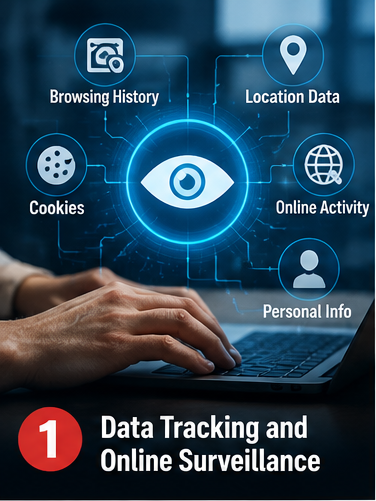
Data tracking is one of the most common threats to internet privacy. Many websites and online services use cookies, tracking pixels, device identifiers, and other technologies to understand user behavior.
These tools can collect information about the pages people visit, the products they search for, and the advertisements they interact with. Companies may use this information to personalize content, measure advertising performance, or build profiles of consumer interests.
Although some tracking supports useful website features, excessive data collection can reduce users’ control over their personal information.
How to protect yourself: Review cookie settings, block unnecessary third-party cookies where possible, limit advertising personalization, and regularly check the privacy permissions of your browser and online accounts.
2. Phishing Attacks and Online Scams
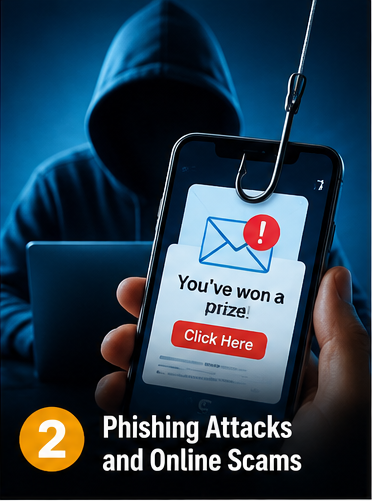
Phishing is a cyberattack in which criminals attempt to trick people into revealing sensitive information. Attackers may send fake emails, text messages, social media messages, or links that imitate trusted organizations.
For example, a fraudulent message might claim that a bank account has been locked and ask the recipient to verify their password through a fake website. If a user enters their information, attackers may steal login credentials or attempt to access financial accounts.
Phishing messages are becoming more convincing because criminals can copy official branding and use AI tools to create persuasive text.
How to protect yourself: Check website addresses carefully, avoid opening unexpected attachments, never share verification codes with strangers, and visit official websites directly instead of following suspicious links.
3. Weak Passwords and Account Breaches
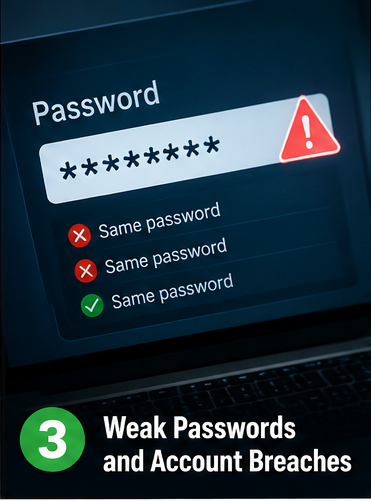
Weak or reused passwords can expose multiple online accounts to security risks. If a criminal obtains a password from one compromised service, they may try using the same credentials on email, shopping, social media, or financial websites.
A successful account breach can expose private messages, contact details, photographs, and other personal information. Email accounts are especially important because they are often used to reset passwords for other services.
How to protect yourself: Use a unique, strong password for every important account. A reputable password manager can help you create and store secure passwords. Enable multifactor authentication wherever available, preferably using an authenticator app or security key when supported.
4. Public Wi-Fi Security Risks
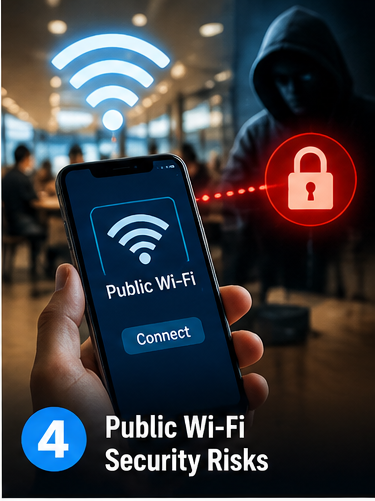
Public Wi-Fi networks in airports, hotels, cafés, and shopping centers offer convenience, but not every network is trustworthy. Attackers may create fake hotspots or exploit poorly secured networks to intercept communications or redirect users to fraudulent websites.
Modern HTTPS encryption protects much of the information exchanged with properly configured websites, so connecting to public Wi-Fi does not automatically mean that personal data will be stolen. Nevertheless, fake networks and other security weaknesses can still create risks.
How to protect yourself: Confirm the correct network name with the venue, avoid ignoring browser security warnings, keep your device updated, and use a trusted VPN when appropriate. Never assume that a network is safe simply because it is free.
5. Malicious Applications and Spyware
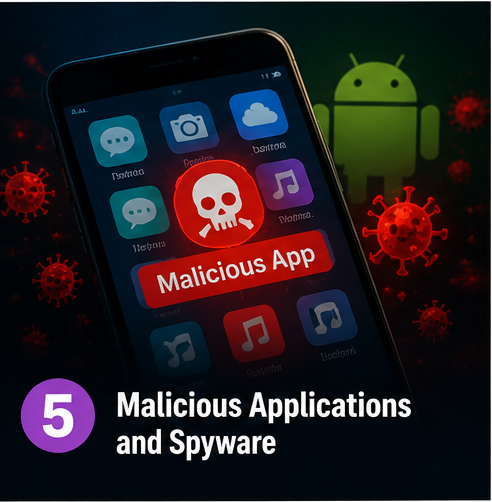
Some applications request more permissions than they need, while malicious apps may attempt to collect personal information without meaningful consent. Depending on the permissions granted and the device’s security, an application could gain access to location information, contacts, files, or a microphone or camera.
Spyware is particularly concerning because it may monitor activity or collect information without the user’s knowledge. Fake applications, suspicious downloads, and unofficial software sources can increase exposure to these threats.
How to protect yourself: Download applications from trusted official stores, review developer information and user feedback, examine permission requests, and remove apps you no longer use. Keep your operating system and security software updated.
6. Social Media Oversharing and Identity Theft
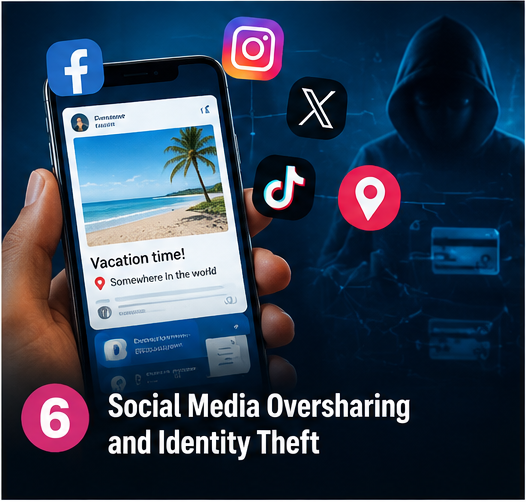
Social media allows people to share experiences, photographs, locations, and personal achievements. However, publicly available information can also help criminals impersonate users, guess security questions, or create targeted scams.
Posting travel plans in real time, sharing personal documents, or revealing details such as birthdays and family relationships may expose information that can be misused. Even when an account is private, screenshots and information shared by other users can spread beyond the intended audience.
How to protect yourself: Review your account privacy settings, limit who can see personal posts, avoid publishing sensitive documents, and think carefully before sharing your live location. Be cautious when accepting friend requests from unfamiliar accounts.
7. Data Breaches and Information Leaks
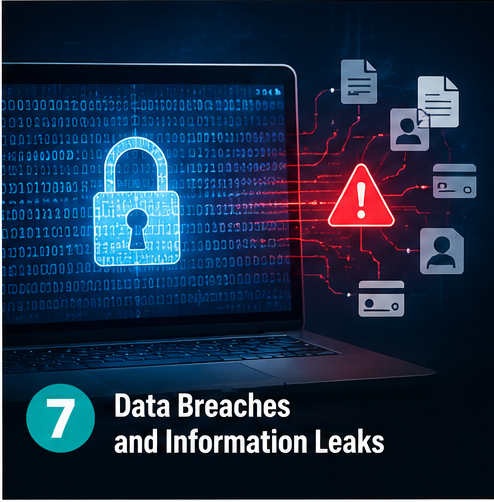
A data breach occurs when sensitive information is accessed, disclosed, or stolen without authorization. Businesses, online platforms, healthcare providers, and other organizations may hold names, email addresses, phone numbers, passwords, or financial information.
Even users who follow good security practices can be affected when a service they use suffers a breach. Stolen information may later be used for phishing, identity fraud, or attempts to access other accounts.
How to protect yourself: Use unique passwords, enable multifactor authentication, monitor important accounts for unusual activity, and pay attention to legitimate security notices from services you use. If a password may have been exposed, change it immediately and update any other account where it was reused.
How Can You Improve Your Internet Privacy?
Protecting your privacy requires a combination of safe habits, secure technology, and informed decisions. No single tool can eliminate every online threat, but several simple steps can significantly reduce your exposure.
- Use secure passwords: Create unique passwords for different accounts.
- Enable multifactor authentication: Add another layer of protection to important logins.
- Update your devices: Install security updates for operating systems, browsers, and applications.
- Limit data sharing: Provide only the personal information a service genuinely needs.
- Review app permissions: Remove unnecessary access to your location, camera, microphone, and contacts.
- Recognize suspicious messages: Verify unexpected requests before clicking links or sharing information.
- Check privacy settings: Regularly review the settings of social media accounts, browsers, and online services.
A VPN can help protect network traffic from some forms of monitoring, particularly on untrusted networks, but it does not make users completely anonymous or protect against phishing, spyware, or every form of tracking.
Frequently Asked Questions(FAQs)
1. What are the biggest threats to internet privacy?
Common threats include online tracking, phishing attacks, weak passwords, insecure public Wi-Fi, spyware, social media oversharing, and data breaches.
2. How can hackers steal personal information?
Cybercriminals may use fake websites, malicious software, stolen credentials, social engineering, or vulnerabilities in online services to access personal data.
3. Does a VPN protect internet privacy?
A VPN encrypts traffic between your device and the VPN server, helping protect it from certain network-level threats. However, it does not prevent all tracking, malicious downloads, or account compromises.
4. Is public Wi-Fi safe to use?
Public Wi-Fi can be reasonably safe when used carefully, especially with HTTPS websites and an updated device. However, fake hotspots and insecure connections remain potential risks.
5. Why is internet privacy important?
Internet privacy helps people maintain control over personal information, reduce the risk of identity theft, protect private communications, and make informed decisions about how their data is collected and used.
Conclusion
Internet privacy is an essential part of staying safe in the digital world. Online tracking, phishing, weak passwords, malicious applications, and data breaches can expose personal information in different ways. Understanding these threats helps users recognize potential dangers before they become serious problems.
The best approach is to combine strong passwords, multifactor authentication, regular software updates, careful data sharing, and sensible browsing habits. Although no method guarantees complete privacy, taking these practical steps can make everyday internet use safer and more secure.
As digital technology continues to evolve, learning about online privacy will remain important for anyone who uses the internet.
key threats to internet privacy, internet privacy threats, online privacy risks, internet security tips, online data protection, cybersecurity threats, data privacy risks, how to protect internet privacy, online safety tips, digital privacy
Internet Privacy, Online Security, Cybersecurity, Data Protection, Phishing Attacks, Data Breaches, VPN Security, Digital Privacy, Identity Theft, Online Safety